The MQP200 manual remains the clearest source for understanding how this programmer was meant to be installed and used. Unlike later USB-focused tools, the MQP200 belongs to a world of DOS-era hardware choices, serial and parallel host options, and a software package called PROMDRIVER. If you already found our MQP200 download page, this guide turns the manual into a shorter setup checklist.
What the MQP200 Manual Documents
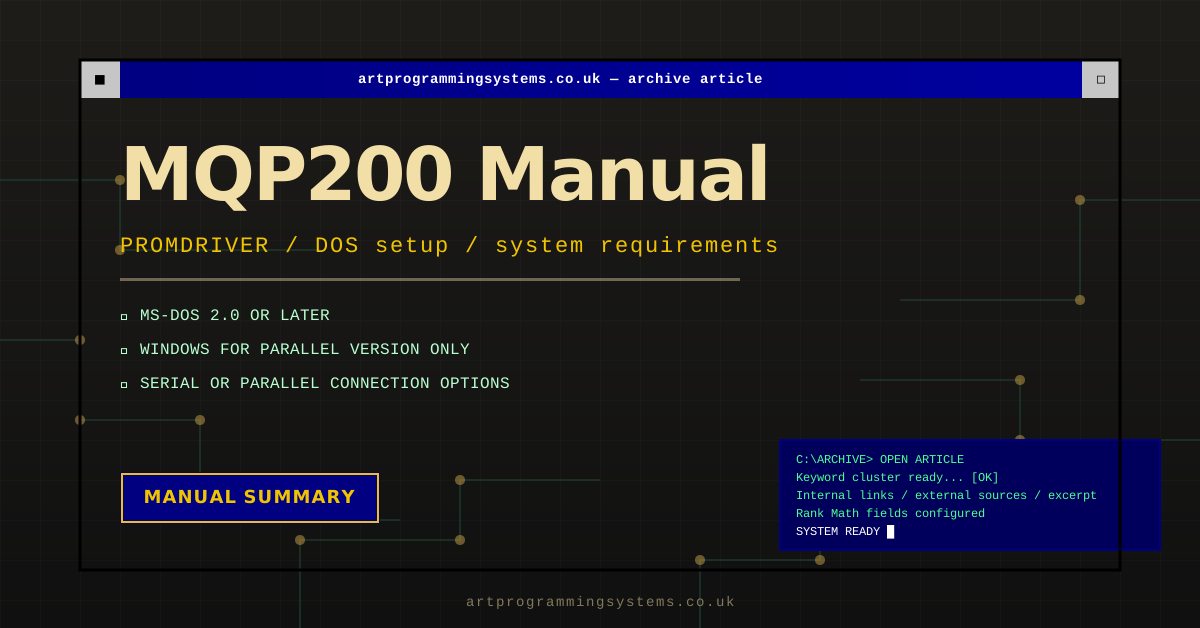
The PROM Programmer Series II manual from MQP Electronics covers models 160, 170, 180, and 200. It documents the following baseline environment for PROMDRIVER:
- MS-DOS 2.0 or later
- Windows support for the parallel version only
- Either a serial asynchronous RS232C port or a parallel port, depending on the programmer option chosen
- 512 KB RAM
That gives us a very important fact-checking boundary: DOS is the safest documented assumption, while Windows support is conditional rather than universal.
The Practical MQP200 Setup Checklist
- Confirm whether your MQP200 hardware is a serial or parallel configuration.
- Prepare the appropriate host port and cable before you install software.
- Install or extract the PROMDRIVER package from the MQP200 archive page.
- Use a period-correct DOS or Windows machine instead of jumping straight to a virtual workaround.
- Read the warning section before inserting any device into the programmer socket.
If you need a software-focused explanation rather than a manual summary, use our MQP200 software and PROMDRIVER guide next.
Why the Safety Section Matters
The Series II manual is unusually direct about handling mistakes. It warns against switching the programmer on or off with a PROM in the socket, changing the PROM type with a PROM still inserted, or misaligning a device in the socket. Those are not casual notes. They are there because selecting the wrong device type or handling a chip carelessly can damage both the device and the programmer.
That is one reason we recommend the MQP200 today mainly for careful restoration, archival reading, and known-good chip workflows rather than hurried bench work.
Where Windows Fits In
A lot of modern searches ask about Windows XP specifically, but the manual itself phrases Windows support more narrowly: Windows for the parallel version only. That means the safe language is:
- DOS is the core documented environment.
- Windows usage depends on which hardware variant you own.
- XP-era use can be practical for some owners, but it should be treated as a careful compatibility question rather than a blanket promise.
We tackle that compatibility question in more detail in the MQP200 Windows XP guide.
Primary Sources
The details in this article are based on the following source material.
- MQP PROM Programmer Series II manual transcript
- MQP200 PROMDRIVER download page on this site
- PROMDRIVER archive guide
Need the Archive Files?
If you need the actual MQP200 software archive alongside the manual notes, start from the preserved download page below.
Related MQP200 Downloads and Guides
For the cleanest MQP200 search path, start with the MQP200 download page, then read the MQP 200 download guide, the MQP200 manual guide, the MQP200 software overview, and the PROMDRIVER download guide. If you are testing later host systems, keep the MQP200 Windows XP compatibility notes close by.