
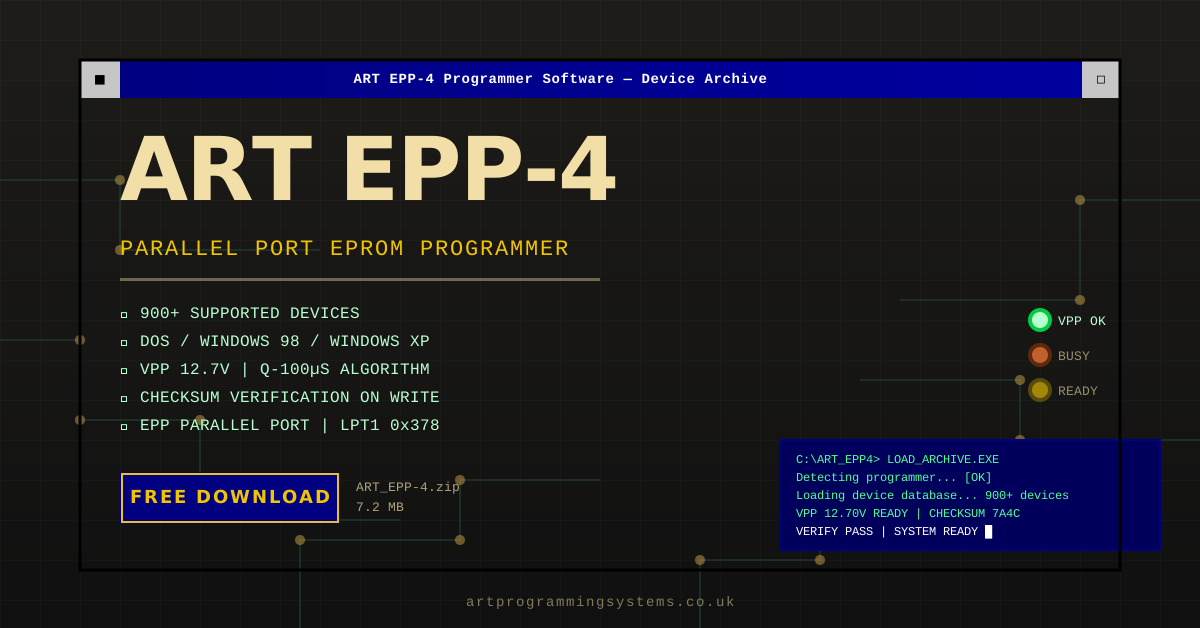
If you have been looking for the ART EPP-4 download, this archive preserves ART EPP4 software version 9.40 and driver notes for a documented USB-connected ART Programming Systems memory programmer. The official ART paperwork describes the EPP-4 as a two-mode programmer that can work with a PC over USB or in stand-alone mode, and it places the software in the Windows 9x / ME / 2000 / XP family rather than in an old LPT-only workflow.
What the Official ART EPP-4 Documents Confirm
The ART EPP-4 brochure describes the unit as a USB 1.1 memory programmer supplied with 32-bit Windows software. It also lists file-format handling for binary, Motorola HEX, Intel HEX, and Tektronix HEX, plus supported device families within published EPROM, EEPROM, and Flash ranges.
That distinction matters because older web references sometimes blur together unrelated programmers. The EPP-4 documentation points specifically to:
- USB communication rather than a printer-port setup
- Windows 9x / ME / 2000 / XP software compatibility
- PC-operated and stand-alone modes
- Optional socket adapters for additional package types
What Is in the ART EPP-4 Software Archive?
The preserved download on this site is the ART_EPP-4.zip archive. It is useful because it keeps the working software, driver files, and installation notes together in one place. The brochure and installation manual both point users back to ART Programming Systems resources for software and support, and this archive is intended to help present-day owners keep a working setup together.
If you want the manual-first route rather than jumping straight into installation, start with our ART EPP-4 manual guide.
ART EPP4 Software Version 9.40 (Final Release)
Version 9.40 is the software version hosted in this archive, and it was the last version ART Programming Systems B.V. released before the company closed. It fixes bugs that were present in earlier EPP-4 software releases, so it is the version we recommend for a working, reliable setup.
If you already have an older EPP-4 software version installed:
- Uninstall the older EPP-4 software version through Windows Add/Remove Programs before doing anything else.
- Restart the PC once the old version has been removed.
- Install version 9.40 from the archive on this page, following the install order below (software first, hardware second).
Installing version 9.40 over an existing older install, without uninstalling first, is the most common cause of driver conflicts and software errors on this programmer.
ART EPP-4 Driver Setup: What the Manual Says
The installation manual gives a very specific order of operations:
- Set Windows display to small fonts (96 dpi) for the intended software layout.
- Install the software before connecting the programmer hardware.
- Connect power to the EPP-4 with the unit switched off.
- Connect the USB cable between the PC and the programmer.
- Turn the programmer on and let Windows launch the hardware wizard.
- Point Windows to the driver path that contains
usbwrite.inf.
That is why our dedicated ART EPP-4 driver guide focuses on the USB install order and the usbwrite.inf step rather than on BIOS printer-port settings.
Best Host Systems for a Restored EPP-4
The official software family includes Windows 9x, ME, 2000, and XP. In practice, many owners use a dedicated legacy PC so they can keep the software, USB driver, and chip workflows stable. If your main goal is a realistic working setup, the most useful next pages are:
Why This Download Still Matters
The ART EPP-4 belongs to the long tail of useful legacy hardware: not new, not fashionable, but still relevant when someone needs to read or program older memory devices with the right period tool. Preserving the software is practical because it saves owners from piecing together half-missing install files and unsupported guesses.
Primary Sources
The details in this article are based on the following source material.
- ART EPP-3 & EPP-4 installation manual PDF
- ART EPP-4 brochure and software overview PDF
- ART EPP-4 manual guide on this site
Download the ART EPP-4 Software
The preserved archive is hosted on this site for owners, restorers, and people maintaining older hardware. To get the files, go straight to the downloads section and download ART EPP-4 v9.40.
Related ART EPP-4 Downloads and Guides
If you are building a working ART EPP-4 setup, start with the ART EPP-4 download page, then use the ART EPP-4 manual guide, the ART EPP-4 driver download guide, the Windows XP setup notes, and the Windows 98 install guide. For chip-family context, also see the 27Cxxx EPROM programmer guide.