If you are searching for an MQP 200 download, this page is meant to give you the preserved PROMDRIVER archive without overstating what the original documentation actually says. The MQP Series II manual covers models 160, 170, 180, and 200, and it describes PROMDRIVER as software that runs on an MS-DOS / PC-DOS computer, with Windows support for the parallel version only.
What the MQP200 Manual Confirms
The source-led baseline for the MQP200 is more cautious than many recycled download pages suggest. The manual lists the following system requirements and connection choices:
- MS-DOS 2.0 or later
- Windows support for the parallel version only
- Connection by either serial asynchronous RS232C or parallel port, depending on the programmer option chosen
- 512 KB RAM
That means it is not accurate to describe every MQP200 setup as a blanket Windows 98 / 2000 / XP solution. DOS is the documented baseline, and Windows depends on which hardware option you actually have.
MQP200 PROMDRIVER Download: What the Archive Contains
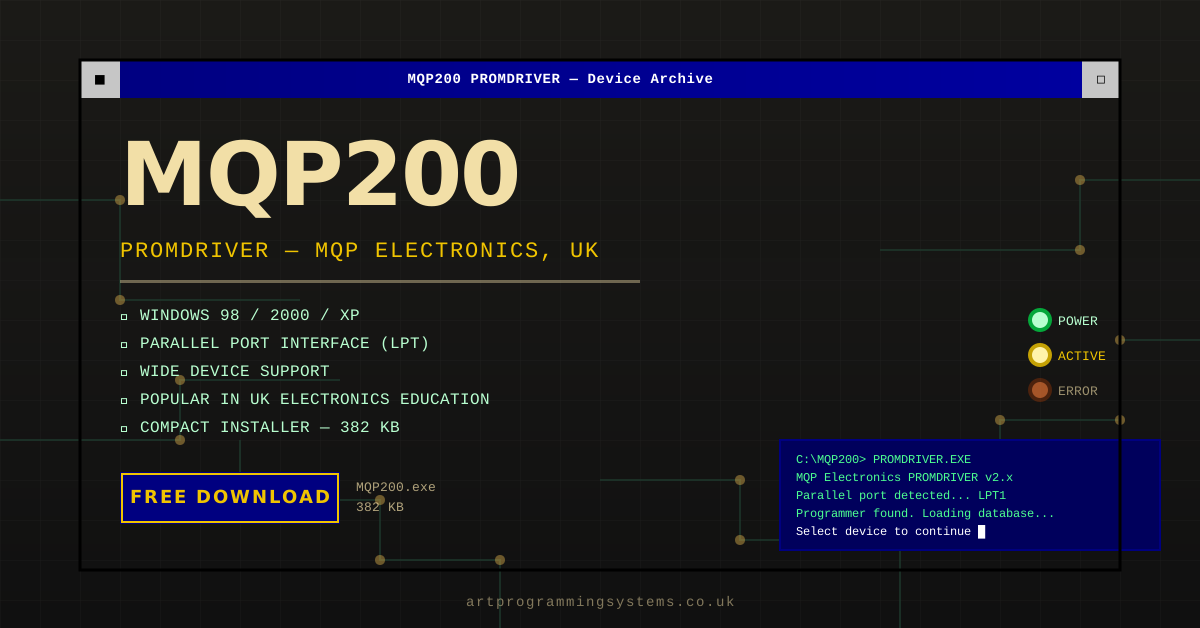
The preserved archive on this site is the MQP200.exe self-extracting package. It is small, period-correct, and useful because it keeps the PROMDRIVER files available for owners who still have working hardware and a suitable legacy PC.
If you want the manual-first version of the story, read our MQP200 manual guide. If you want the software overview, use our MQP200 software page.
MQP 200 Windows 98 Download: The Accurate Version
The client keyword MQP 200 Windows 98 download is still worth targeting, but it needs careful wording. Windows 98 can be a sensible period host for the parallel version of the MQP200, but it is not the only documented environment and it is not the safe assumption for every MQP200 unit.
Before you install anything, confirm:
- Whether your MQP200 uses a parallel or serial host connection
- Whether you are building a DOS-first setup or a Windows setup that matches the parallel-version path
- That you have the correct cable and a suitable legacy machine before attempting programming
If your goal is specifically to test a later Windows host, our MQP200 Windows XP compatibility guide explains why that should be treated as a compatibility route rather than as a blanket official promise.
Why This Archive Still Matters
Legacy programmers like the MQP200 are still useful in restoration, archive reading, and known-good firmware workflows. The important thing today is not to oversell them. It is to keep the software available and keep the setup advice honest enough that owners do not damage hardware by following the wrong assumptions.
Primary Sources
The details in this article are based on the following source material.
- MQP PROM Programmer Series II manual transcript
- MQP200 manual guide on this site
- PROMDRIVER archive guide on this site
Download MQP200 PROMDRIVER
The preserved archive is hosted here for people maintaining older MQP hardware. To retrieve it, go to the downloads section and download MQP200 PROMDRIVER.
Related MQP200 Downloads and Guides
For the cleanest MQP200 search path, start with the MQP200 download page, then read the MQP 200 download guide, the MQP200 manual guide, the MQP200 software overview, and the PROMDRIVER download guide. If you are testing later host systems, keep the MQP200 Windows XP compatibility notes close by.